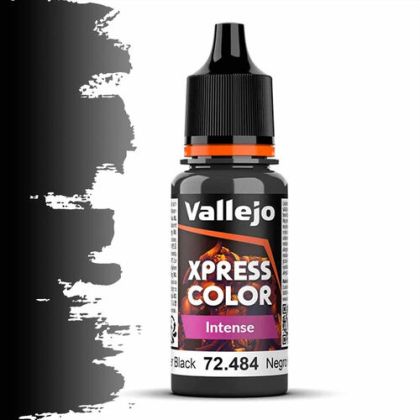
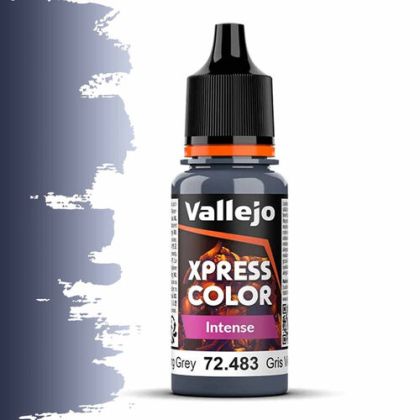
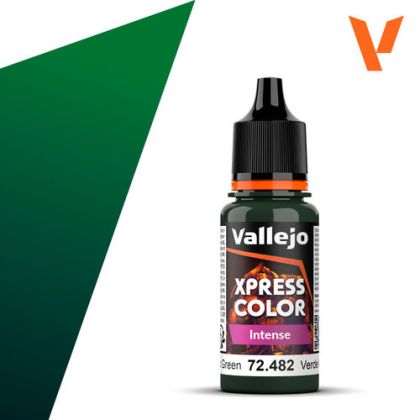
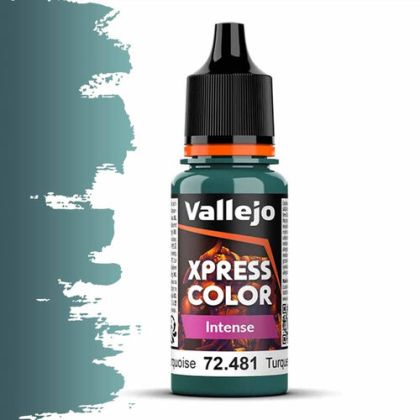
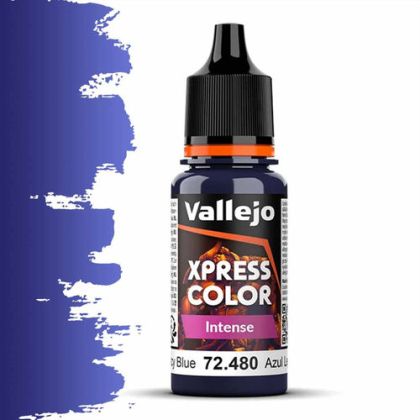
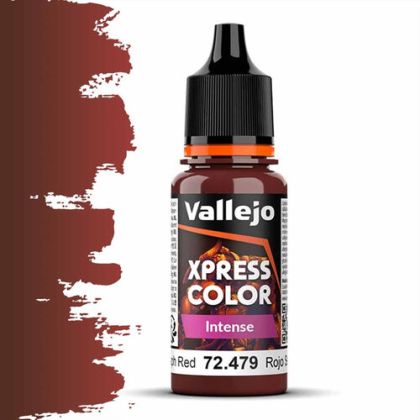
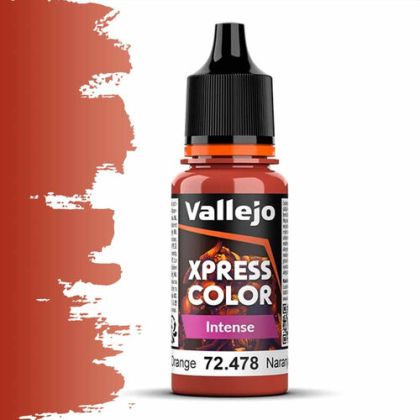
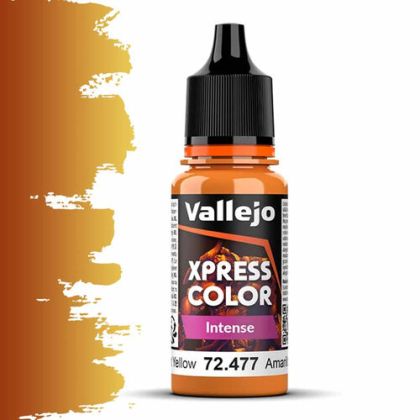
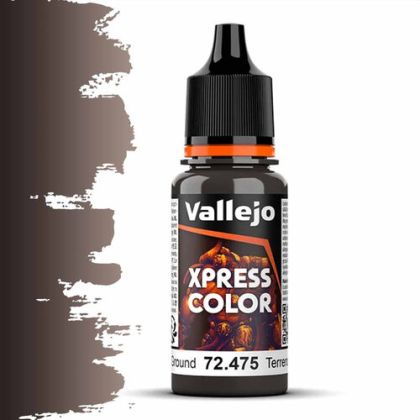
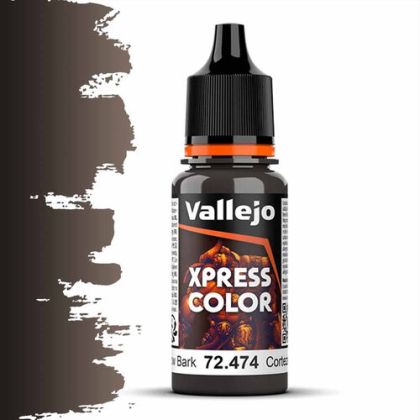
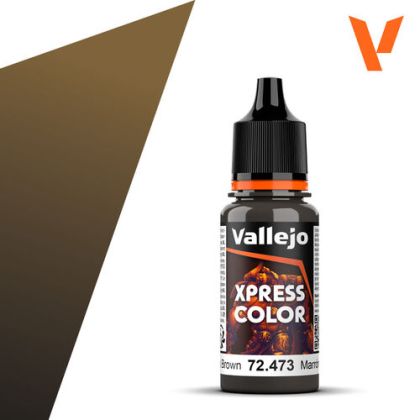
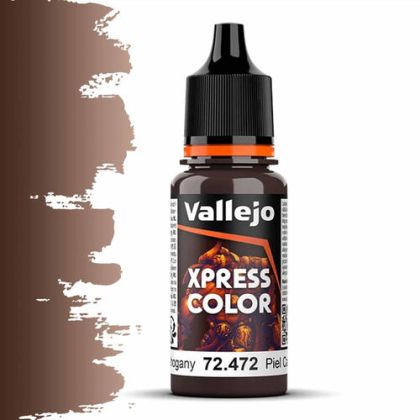
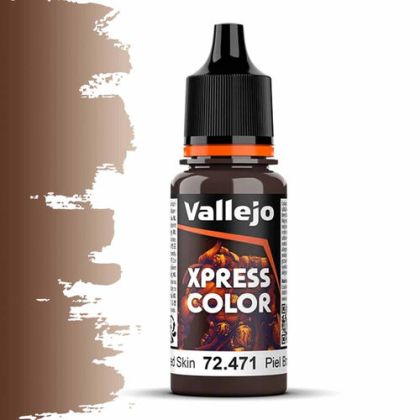
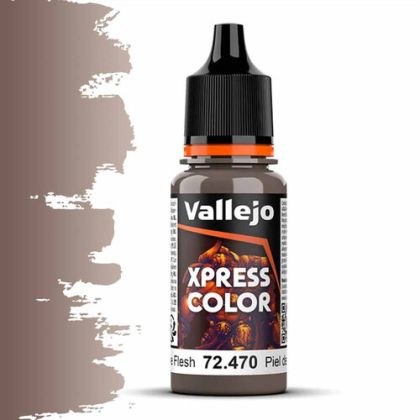
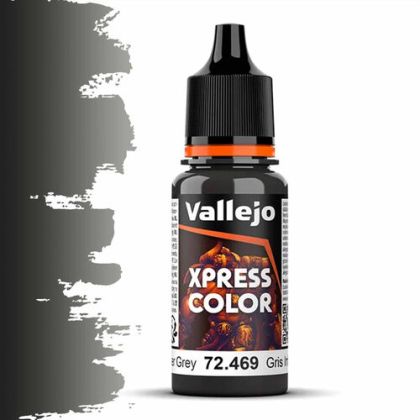
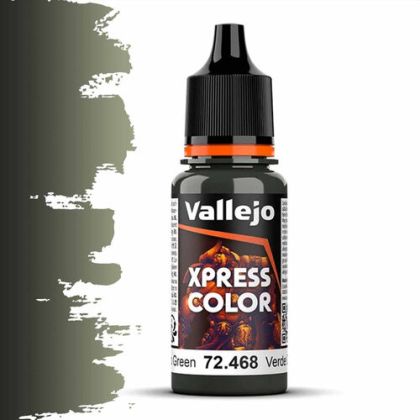
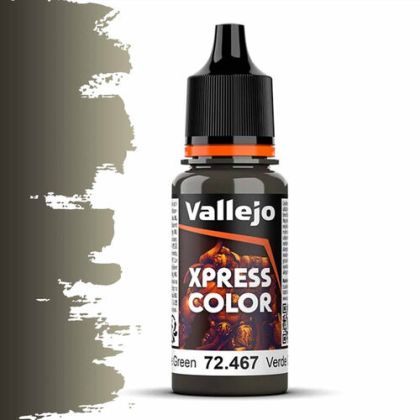
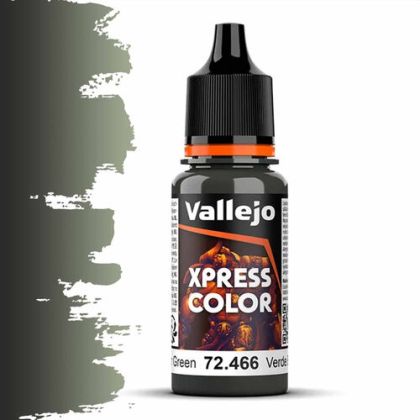
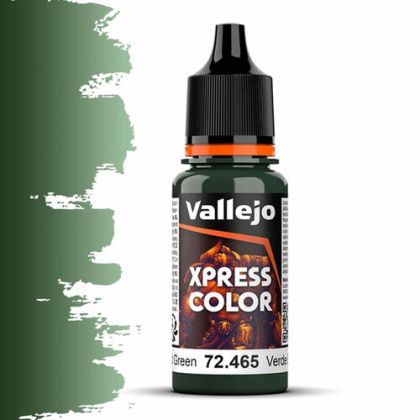
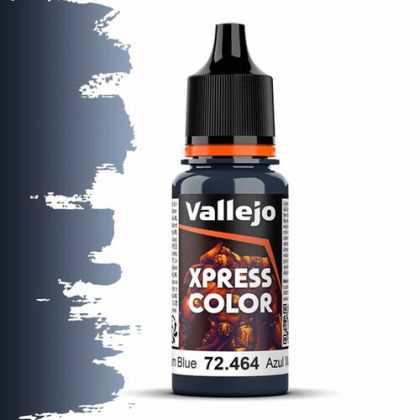
Xpress Color is a fluid miniature paint that works unlike conventional acrylic. It is deliberately thin and heavily pigmented, so after application it draws itself into the folds and leaves the raised surfaces light. One stroke therefore produces base colour and shadow at the same time. The category holds saturated, intense shades as well as earthy tones for skin, wood and mud.
What follows explains how to keep that behaviour under control, and names the two situations where reaching for this type of paint is the wrong call. Both come down to the same thing: it is a shading paint first and a colour second.
Conventional acrylic covers. Xpress Color flows and settles: pigment travels with the liquid to the lowest point of the relief, concentrates there as it dries, and thins on the raised surfaces. The outcome is a continuous gradient from shadow to light that would otherwise take several layered shades.
That is why the range is used for painting gaming armies at speed, and equally as an underpainting for conventional acrylic laid on top. The second route makes sense on a display piece: the rough modelling is done in a minute and you only finish the extreme lights and darks by hand.
Because the paint does not cover, the base shows through visibly. White or very light grey is the standard; light grey serves the earthy tones too. Prepare it from surfacers and primers. On a glossy surface the paint beads into pools and the result is irregular.
Take a larger brush than you would use for detail and flood the area in one go. Corrective strokes into a half-set film leave a dark scar. If paint clings to a high point, lift it with a dry brush rather than adding more; if a recess has caught too little pigment, add a separate drop instead of repainting the surface.
A second coat deepens the shade but loses the gradient. For genuinely opaque areas it is better to switch to a matt acrylic palette such as Model Color.
For a conventional opaque palette for gaming models, the follow-on category is Game Color.